鸿蒙应用入门级开发者认证实验九(待办FunctionGraph)
【摘要】 避免手动逐行编写样式代码,将通用样式抽取为独立函数,通过链式调用一次性应用整套样式:// 定义公共样式函数function applyCommonButtonStyle(button: Button) { return button .borderRadius(CommonConstants.BORDER_RADIUS2) .backgroundColor(CommonCons...
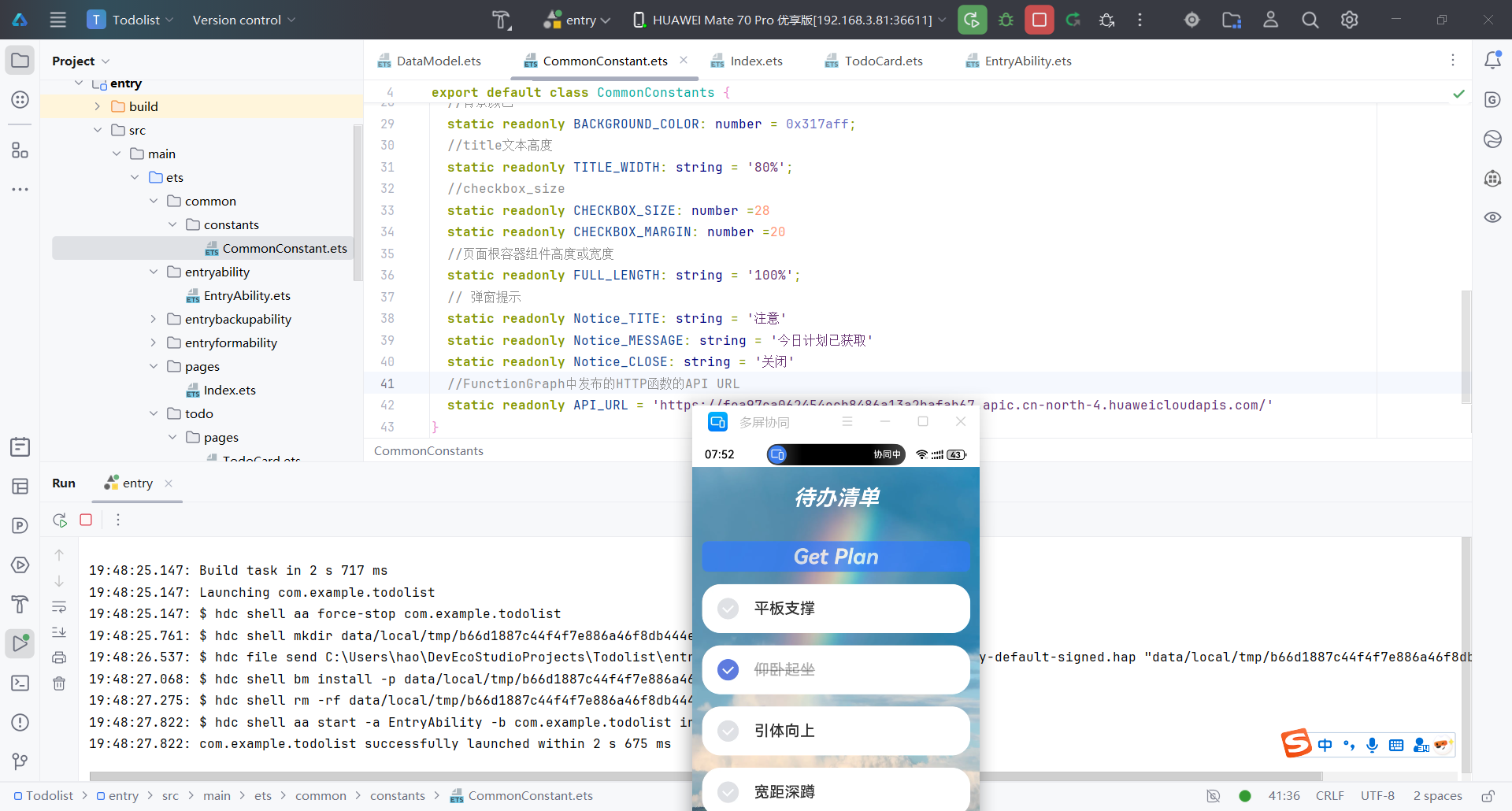
避免手动逐行编写样式代码,将通用样式抽取为独立函数,通过链式调用一次性应用整套样式:
// 定义公共样式函数
function applyCommonButtonStyle(button: Button) {
  return button
    .borderRadius(CommonConstants.BORDER_RADIUS2)
    .backgroundColor(CommonConstants.BACKGROUND_COLOR)
    .fontStyle(FontStyle.Italic)
    .fontSize(CommonConstants.FONT_SIZE)
    .fontWeight(FontWeight.Bold)
    .opacity(CommonConstants.OPACITY_NORMAL)
    .width(CommonConstants.LIST_DEFAULT_WIDTH);
}

// 使用示例
Button('Get Plan', { type: ButtonType.Normal, stateEffect: true })
  .then(applyCommonButtonStyle)
资源常量集中管理 如CommonConstants`,将尺寸/颜色等定义为常量:
// 全局常量文件
export class CommonConstants {
  static readonly BORDER_RADIUS2: number = 8;
  static readonly BACKGROUND_COLOR: Color = Color.Blue;
  static readonly FONT_SIZE: number = 16;
使用DevEco Studio的ArkUI Inspector可视化。实时预览UI渲染效果,直接调试组件属性,分析布局层级,避免过度嵌套
自 API Version 8 起,鸿蒙引入了更现代化的弹窗管理模块 @ohos.promptAction。旧接口 @system.prompt 的功能较为基础(仅支持 showToast/showDialog/showActionMenu)

【声明】本内容来自华为云开发者社区博主,不代表华为云及华为云开发者社区的观点和立场。转载时必须标注文章的来源(华为云社区)、文章链接、文章作者等基本信息,否则作者和本社区有权追究责任。如果您发现本社区中有涉嫌抄袭的内容,欢迎发送邮件进行举报,并提供相关证据,一经查实,本社区将立刻删除涉嫌侵权内容,举报邮箱:
cloudbbs@huaweicloud.com
- 点赞
- 收藏
- 关注作者
评论(0)